
Chapter 4: Application Documentation Management
'Manage Application Documentation' Menu
When you select Documentation Management from the APPX Main Menu, the 'Manage Application Documentation' menu shown in Figure 4-1 appears:
'Manage Application Documentation' menu
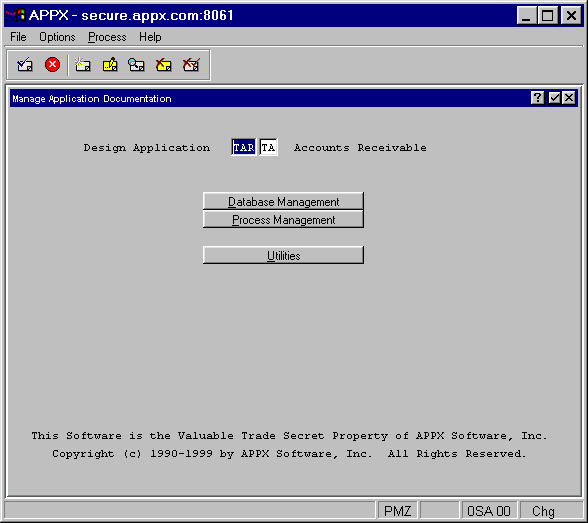
Enter the application ID and version number of the application whose documentation you wish to edit, and press ENTER. The following options are available on this menu:
- Database Management allows you to add, edit and delete documentation for domains, files and fields in your application.
- Process Management allows you to add, edit and delete documentation for all types of processes in your application.
- Utilities allow you to search your application for items and processes without documentation.
The sections that follow describe each of these options in detail.