
Chapter 2: System Administration
Identities Overlay
The Identities overlay in File System Groups File Maintenance is shown in Figure 2-23.
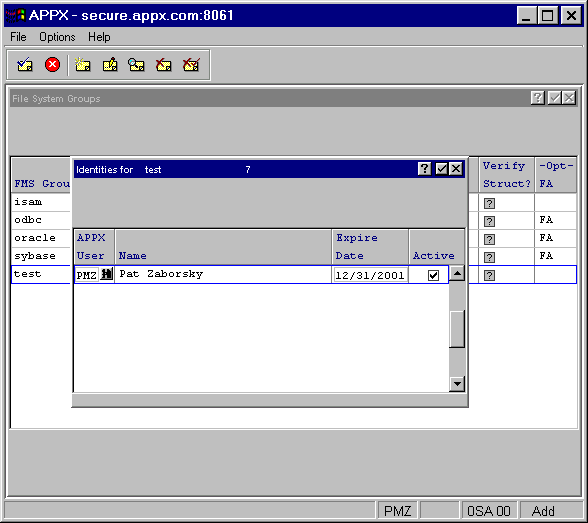
The Identities overlay contains the following fields:
- APPX User
Specifies the user to which this identity is assigned. A “default” identity can be set up for an FMS Group by creating one with a blank APPX User ID.
- Expire Date
Specifies the date this identity is no longer valid.
- Active?
Can be toggled between “yes”
 and “no”
  to indicate whether this identity is active or not. This allows you to retain inactive identities that may be needed again in the future.
When you press ENTER from this screen, the Identities Detail overlay described in the next section appears.