Chapter 2: System Administration
Review System Default Keymaps
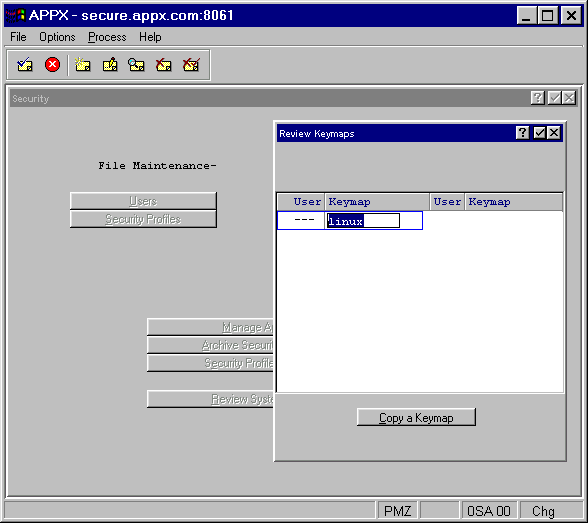
The Review System Default Keymaps option from the Security menu lists all keymaps currently defined within APPX as shown in Figure 2-58. These keymaps can be system-wide (where User ID is ---) or assigned to an individual user. To only see the keymaps defined for a specific user, select the Review User Keymaps option available within Users File Maintenance.
The copy a Keymap option allows you to copy the selected keymap to another user/keymap combination. When copying, you may use User --- to signify all users.