
7Utilities and Special Edits
Option 10Generate Purchase Orders
This function is used to create purchase order entry records in the Purchase Orders application from designated reorder records. The Auto POs? option in the Products By Warehouse record must be set to ‘Y’ to allow purchase orders to be generated. The purchase order records can be edited in the Purchase Orders application.
The selected reorder records are grouped by vendor. Only one purchase order record per vendor is created.
This function updates the on order quantity in the Products By Warehouse file as would normally be done during purchase order entry in the Purchase Orders application.
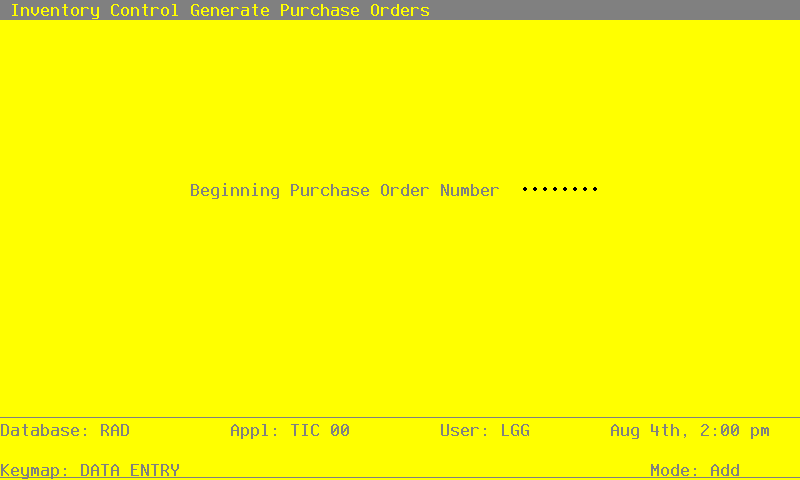
Select “Generate Purchase Orders” from the Utilities and Special Edits menu. Here is the Generate Purchase Order entry screen:
Generate Purchase Orders screen
Data items for the preceding screen are described below.
- Beginning Purchase Order Number
Enter up to 8 characters for the number of the first purchase order to be generated. The following purchase orders will be sequentially numbered beginning with this number.
The entered data is validated. Press RETURN to save the information on the screen and generate Purchase Orders.
APPX Software, Inc.
Inventory Control User Manual
Published 5/95