
Chapter 4: Recovery Processing
Option 24End Recovery Processing
Use this function to end the Recovery Processing phase of Accounts Receivable. The following processing steps accomplish this job.
- Step 1This function allows you to proceed to the Live Operations phase.
End Recovery Processing screen
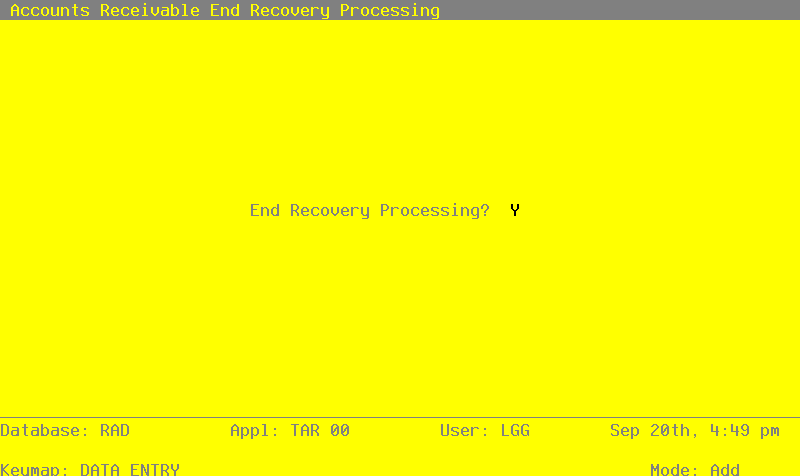
Data items for the preceding screen are described below:
- End Phase?
Y or N Default Y
An entry of ‘Y’ will place the system in Live Operations.
Press ENTER to save the information on this screen.
- Step 2This step ends the Initial Setup or Recovery Processing phases and begins (or returns to) the Live Operations phase.
APPX Software, Inc.
Accounts Receivable System Administration Manual
Published 5/95