
Chapter 1: General Information
Option 24End Initial Setup
Use this function to end the Initial Setup phase of Accounts Receivable. The following processing steps accomplish this job.
- Step 1This function allows you proceed to the Live Operations phase.
The screen shown below allows you to move to the Live Operations phase.
End Initial Setup screen
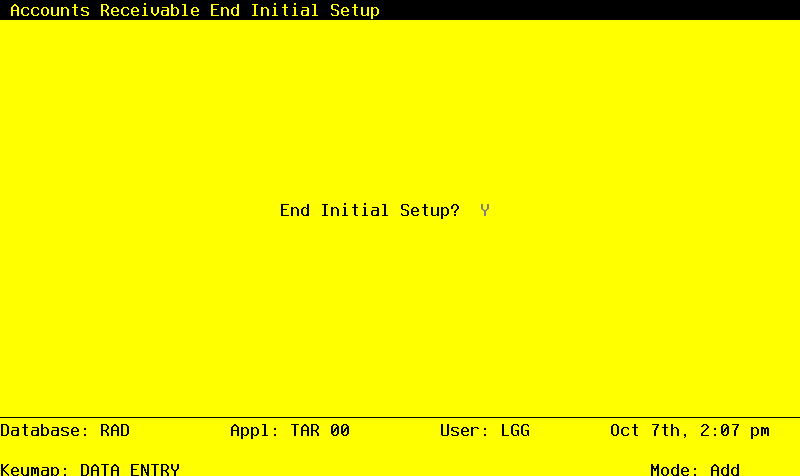
Data items for the preceding screen are described below:
- End Phase?
Y or N Default Y
An entry of ‘Y’ will place the system in Live Operations.
Press ENTER to save the information on this screen.
- Step 2This step ends the Initial setup or Recovery Processing phases and begins (or returns to) the Live Operations phase.