
Chapter 2: Menu Overview
Audit Info
Since audit information pertains to a specific record in a specific file, Audit Info can only be invoked once a record has been selected for the file from within an input process. See Navigation Options (Inputs) for more information on accessing Audit Info.
Figure 2-13 below shows a sample Audit Information overlay, in this case for a specific account in the General Ledger Chart of Accounts file.
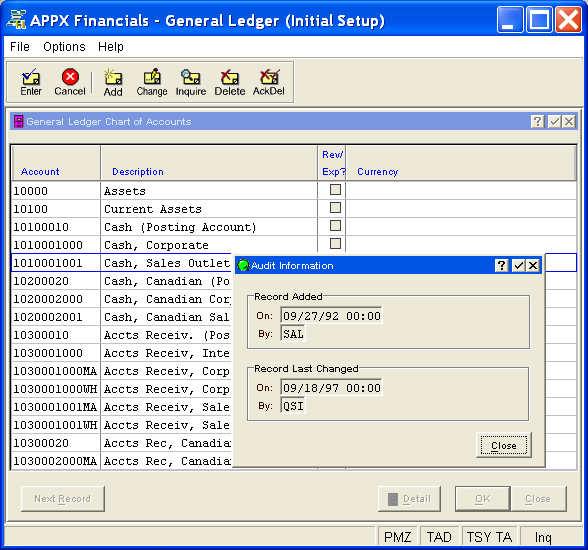
The Audit Information overlay displays the following fields which are system-maintained and non-modifiable:
- Record Added On - the date/time the record was initially added to the file
- Record Added By - the user ID of the operator who added the record
- Record Last Changed On - the date/time the record was last modified
- Record Last Changed By - the user ID of the operator who modified the record last
Click the Close button on the overlay (or the  or
or  buttons on the overlay title bar) to clear the Audit Information overlay from the screen and return to the input process.