
Chapter 7: Analysis and recovery
Check an encrypted file through APPX
Encryption does not remove the need for file-integrity checks. Begin with the GUI utility, using the correct APPX installation, administration configuration, and file selection.
- Stop changes to the affected files and preserve a backup.
- Select the files in Data File Management.
- Open Verify Files Menu and choose Verify Integrity of APPXIO Files.
- Review every result and record count. Keep the log with the maintenance record.
- Use Verify Data in Files and application-level checks where appropriate to check values and relationships as well as physical file integrity.
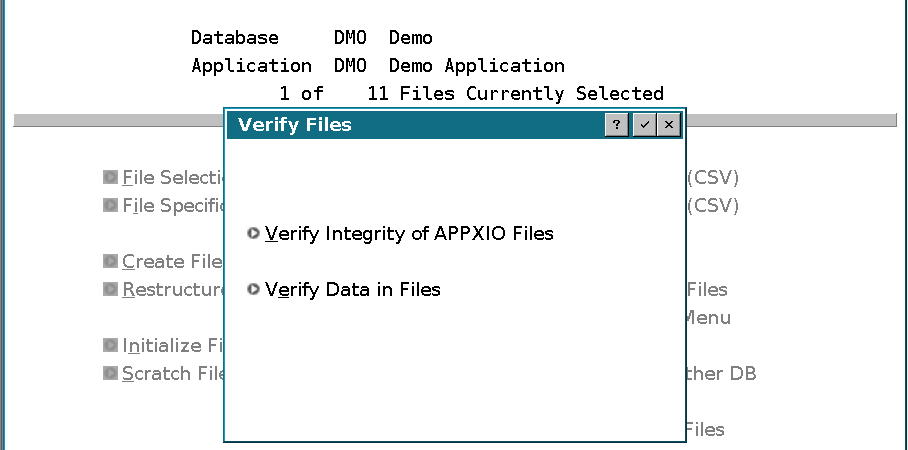
An integrity pass establishes that the structures checked by the utility are consistent. Also compare record counts, recognizable records, and business totals before accepting a conversion or recovery.
If an ordinary file open reports an encryption mismatch, check the system passphrase, effective file or group key, registration, and selected administration tree first. APPX can report FI_CRYPT for an encryption configuration mismatch. Do not generate a new key or replace the file while investigating that condition.