
Chapter 4: Decrypt PROSPECT
Export before clearing the file key
This exercise reverses the independent file-key example in Chapter 3. It starts with PROSPECT encrypted, no inherited group key, and a working system passphrase.
- Stop users and jobs that can access PROSPECT.
- Back up the encrypted file pair, matching structure, and current administration configuration.
- Select only PROSPECT and export it with Export Files (CSV), without headings.
- Check the export count and preserve the CSV before changing the key.
- Open File Specifications, File Attributes in Change mode and clear Encryption Key.
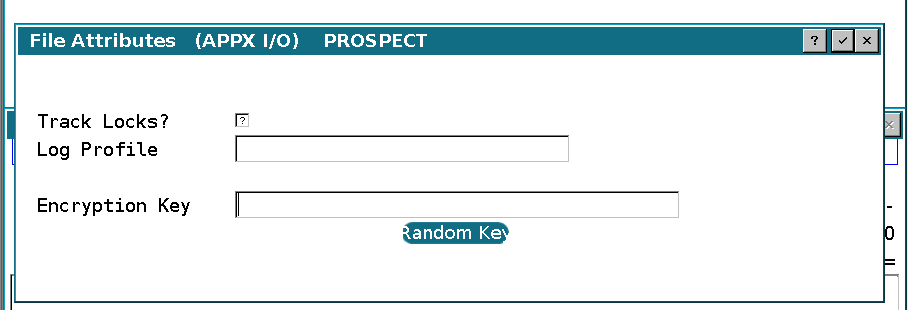
- Accept File Attributes and save the file specification.
Leave the system passphrase in place. Decrypting one file is not a reason to change the passphrase used by the rest of the system.
If PROSPECT instead inherits a group key, clearing its file-level key is insufficient. After exporting it, move it to an equivalent group without encryption, preserving the effective FMS, path, and other required attributes. Clear a group's key only when every affected member is included in the planned conversion. Chapter 6 uses a dedicated group for that purpose.