1Transaction Processing
The Transaction Processing menu
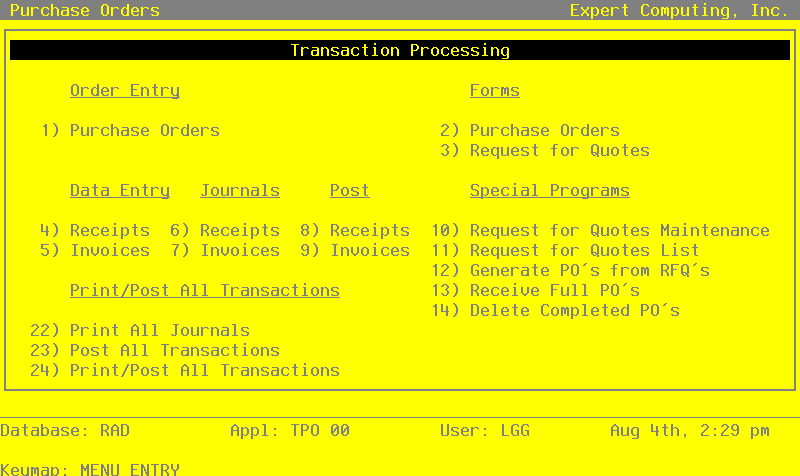
The Transaction Processing menu lists many of the functions used during the routine operation of the Purchase Orders application.
Order entry and data entry functions are used to enter purchase orders, receipts, and invoices. Journals must be printed for receipts and invoices. These journals provide an audit trail and verification of the entries. Transactions are only posted to files after journals have been printed without error. From this Transaction processing menu, you may print Purchase Order forms and Request For Quote forms. Special programs are available to maintain and print lists of Request For Quotes, to generate purchase orders from your Request For Quotes, and to receipt and delete purchase orders.
The Transaction Processing menu is shown below:
Transaction Processing Menu screen