
Chapter 3: Make APPX Files Available to SQL
Add the COUNTRY Table to SQL with ASQL
- Open the matching ASQL, choose AppxODBC and enter your authorized APPX login.
- Keep the gateway dictionary appx. Select APPX database DMO, application DMO, file COUNTRY.
- Review the selected file and import its definition. Keep the existing field order and types.
- Import PROSPECT separately when checking Unicode, RAW, numeric and date behavior beyond COUNTRY.
- Use a fresh client connection and check every field.
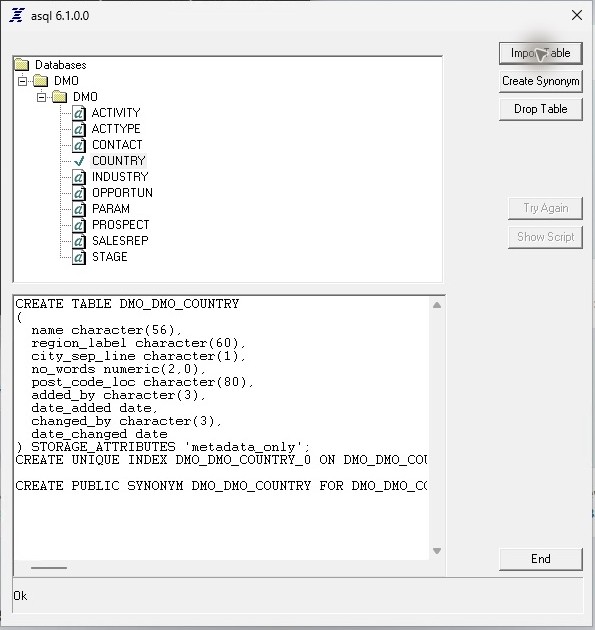
Both definitions imported on the matching 64-bit stack. Import completion does not repair the returned Unicode text.