2Initial Setup Opening Entries
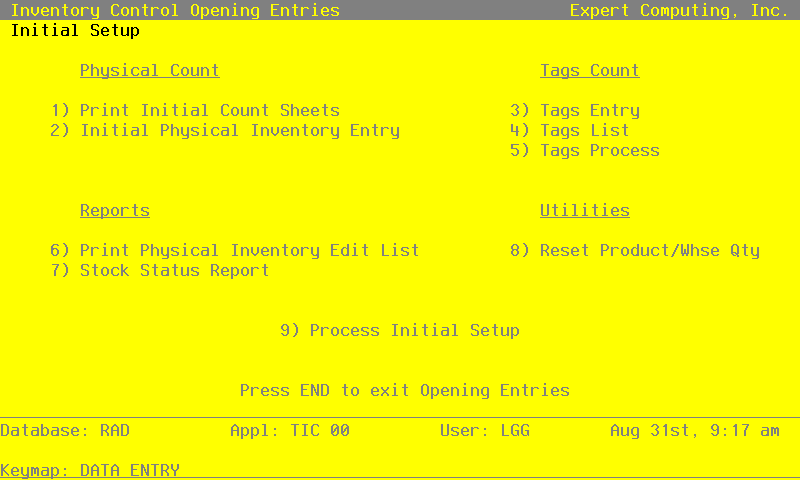
The Initial Setup Opening Entries menu
Opening Entries functions are optional during Initial Setup. They are used to enter the physical inventory count from system-printed count sheets or tags, which will be used to set up on hand quantities in the Products By Warehouse file. However, if desired, on hand quantities can simply be entered using the Products By Warehouse file maintenance function.
A utility is available to reset committed, on order, and requisitioned quantities on Products By Warehouse records based on open Order Entry sales orders, Purchase Orders purchase orders, and Inventory Control material requisitions, respectively. A Stock Status report can also be printed to show the status of inventory.
Select “Opening Entries” from the Initial Setup menu. Here is the Opening Entries menu:
Opening Entries menu