
1Initial Setup File Maintenance
Option 24End Initial Setup
While you are still in the Initial Setup phase of Inventory Control, you can continue to access and change fields on all screens. Once you have established all necessary master files, and created and processed your opening entries, you may end Initial Setup.
After you select this procedure, the Live Operations phase automatically begins, and certain fields and files may become inaccessible. When Initial setup is ended, the following changes occur:
- Certain fields in the Parameters file become display-only fields and cannot be changed.
- System-maintained fields, such as balances, posted transactions, and dates of entries cannot be changed.
- Online updates and posting to other applications are activated.
When you are ready to end the Initial Setup phase, select “End Initial Setup?” from the Initial Setup menu. The screen below appears.
End Initial Setup menu
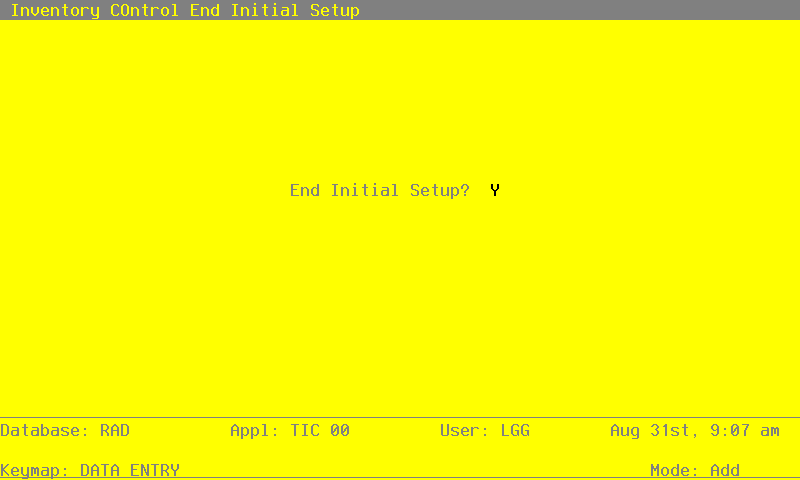
Data items for the preceding screen are described below.
- End Initial Setup?
By default, the system displays ‘Y’ in this field. Press RETURN to end Initial Setup and begin the Live Operations phase. Enter ‘N’ to continue in Initial Setup.