Chapter 3: The System Translator
Creating the System Dictionary
Before defining the translations for the APPX System Application, the system dictionary has to be populated with entries for the Design Language (English in this example). Then, corresponding records for the new language (Dutch in this example) are created via the translation process. Until you define these translations, screens continue to be displayed to users in the Design Language, regardless of the Presentation Language they have selected.
From the System Administration’s Language Translation Menu, follow these instructions:
- Select Copy Message File To System Dictionary.
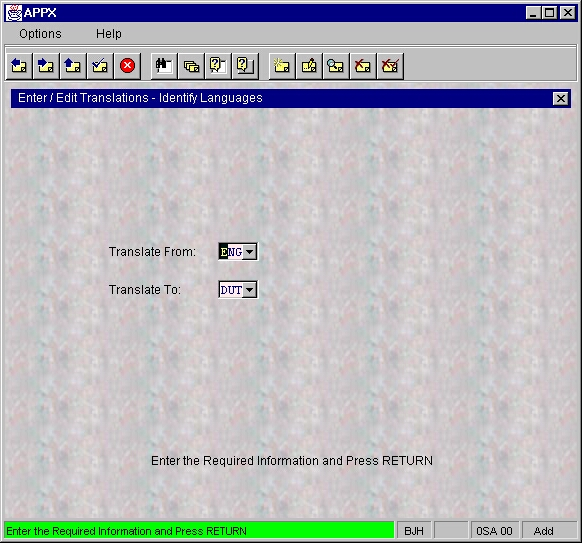
- To select the Design (or “from”) Language, enter the Language ID or click the ▼ button to the right of the
Language IDfield box and double click the code corresponding to this language (English in this example). See Figure 4. - Press
ENTERtwice (the first time is to display the descriptions of the Language ID’s entered; the second time is to confirm the copy request). Wait (normally just a couple of minutes) while the APPX Message File is copied into the Translator Dictionary. Normally, approximately 900 entries (records) are written.