Chapter 2: Initial Setup File Maintenance
Initial Setup File Maintenance
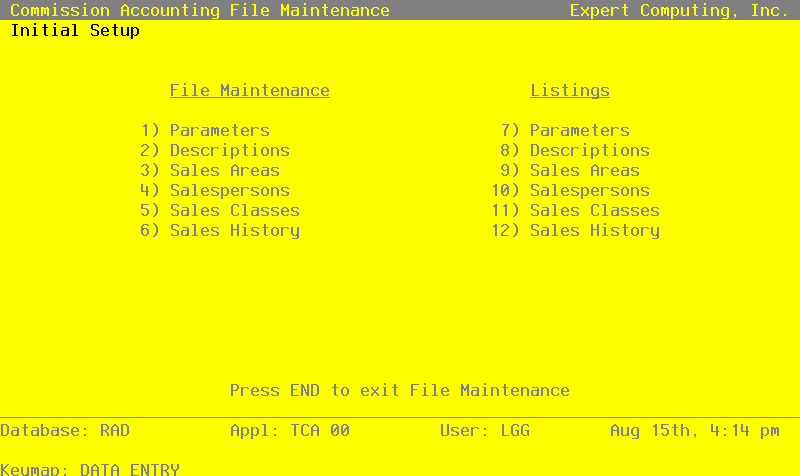
Each File Maintenance selection on this menu represents a master file or a system-maintained file. These files are arranged in logical order on the menu, so you can enter information into each file in the order shown. If you need to change this information after you complete the Initial Setup phase, you can change most of the fields and files through File Maintenance in the Live Operations phase.
After data is entered for each File Maintenance function, use the corresponding List function to print out and verify the information. You may print these lists as often as necessary to check the status of each file.
Here is the File Maintenance menu:
File Maintenance screen