
Chapter 3-14: Using the Image Editor
Date/Time Item Additional Attributes
The date/time item Additional Attributes overlays, shown in Figures 3-14-19, 3-14-20, and 3-14-21, contain specifications that are unique to the appearance of a date/time field painted as an input, output, or inquiry Key Entry image. This overlay displays when you select the Additional Attributes option from the Item definition screen.
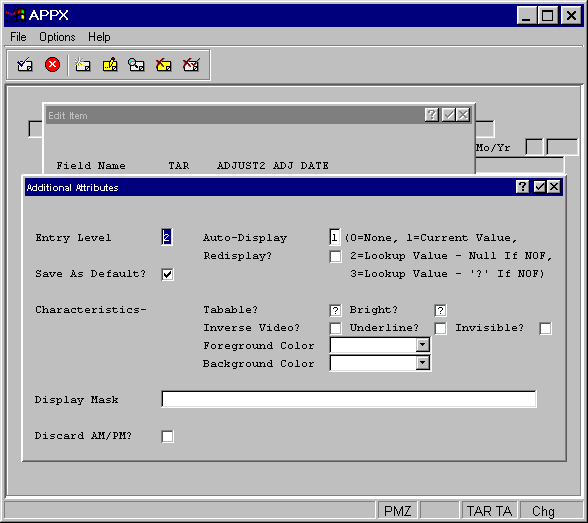


The date/time item Additional Attributes overlays contain some of the same fields that the alphanumeric item Additional Attributes overlays do, as well as the following date/time-specific fields. These fields may also be common to the numeric Additional Attributes overlays.
- Display Mask
Determines which parts included in the data dictionary Store/thru specification display on the image. See the Display Mask (Date/Time) section for details.
- Discard AM/PM?
Establishes whether or not the AM or PM portion of a date/time mask that is specified in system administration should be discarded. It applies only to date/time fields that include an hour component. If the value in the date/time field represents an elapsed time, set this specification to “yes”
 . If the value represents a specific point in time, set the specification to “no”
  . The default is “no” .