Chapter 4-4: The ILF Editor
The Layout of the Editor Screen
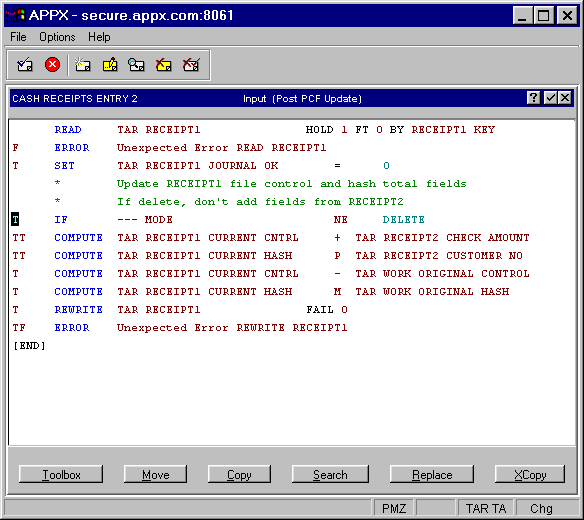
An ILF Editor screen consists of three separate areas. Refer to the figure that highlights each area.
- The identification line identifies the process component and the event point that the ILF routine is associated with. After you invoke the editor, the identification line is filled in and the cursor is positioned in the statement editing area. The components are identified, starting with the process name and continuing (if applicable) with the frame number, image number, and child ID. In the center of the identification line, APPX displays the process type and, in parentheses, the event point. In Figure 4-4-2, the identification line is highlighted.
An ILF Editor screen
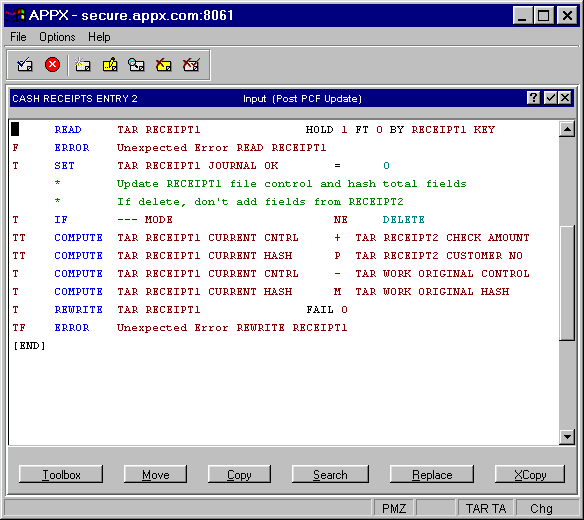
- The statement display and edit area, shown in Figure 4-4-3, in an ILF Editor screen shows individual statements. This area is where statements display, and where you enter and modify them.
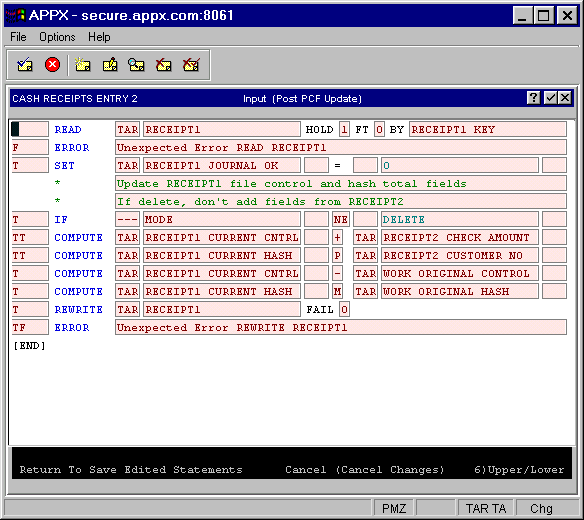
- The options found at the bottom of the ILF Editor screen can be selected to perform editing functions. The options are shown in Figure 4-4-4.
Options in an ILF Editor screen