
Chapter 1-8: Application Design Tools
Database Management Verify Files Menu
Verify Files Menu
The option contained on this menu, shown below is used to verify the integrity and structure of APPX files. This utility is used in the event an APPX file appears corrupted or otherwise dysfunctional.
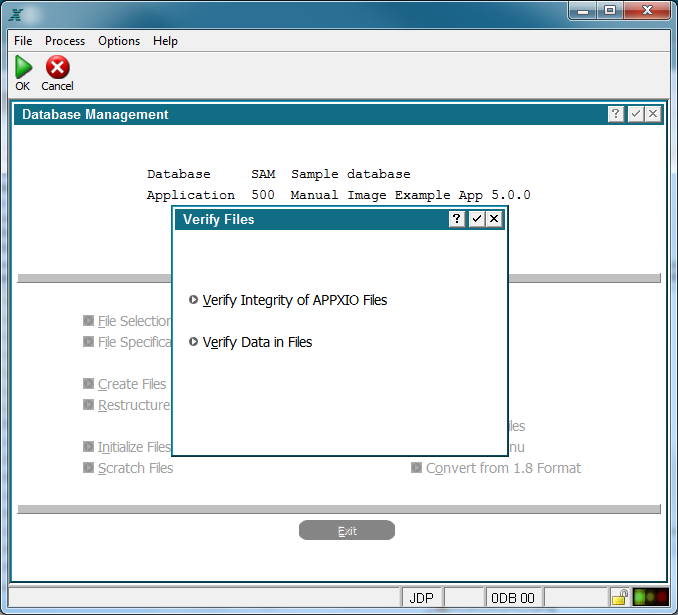
Verify Files Menu
Verify Integrity of APPXIO Files is a utility that checks database integrity of all selected files. A log is created in your default print directory and is displayed on your screen, see figure below. Any error messages contained in this log should be reported immediately to APPX Technical Support. This is also a great place to see the system location of the selected file(s).

Verify Integrity Status Screen
Verify Data in Files Verifies the field contents in each record of each selected file. This is dependent upon the "Field type" as defined in the data dictionary.
Optionally, referential integrity can also be verified. This is dependent upon "Data Lookups" defined in the data dictionary for the file. If a referential integrity check is included, then Report "Null" Data Lookup Values indicates whether null (empty) values will be validated against the parent data lookup file.
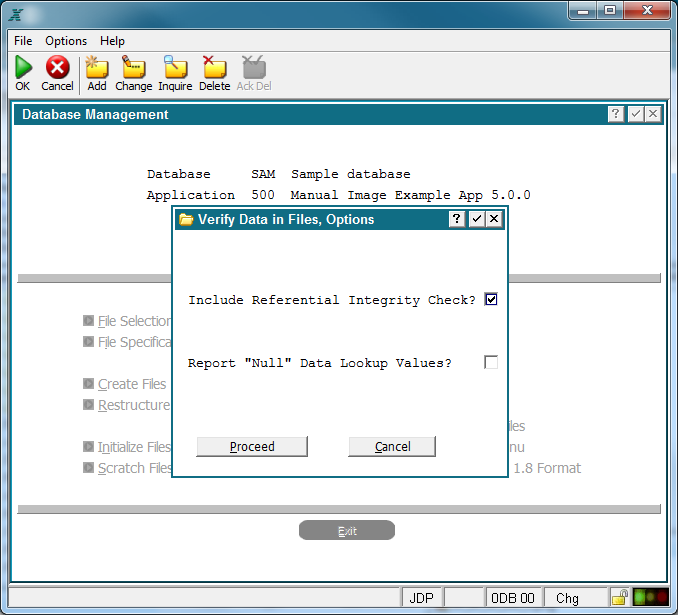
Verify Data in Files Option Screen
A log will be created in your print directory and displayed on your screen showing the results of the operation.
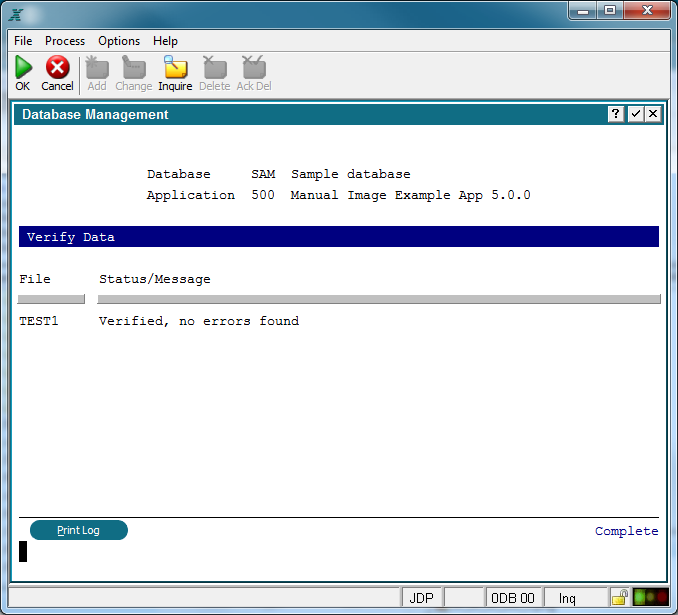
Verify Files Status Screen