
Chapter 1-8: Application Design Tools
Cross Reference
The Cross Reference utility prints a 'where-used' listing or interactive hyperlink display that locate references to application IDs, domains, records/files, fields and processes. This facilitates application maintenance by locating all references to selected components. When you select cross reference from the Utilities menu, the menu shown below.
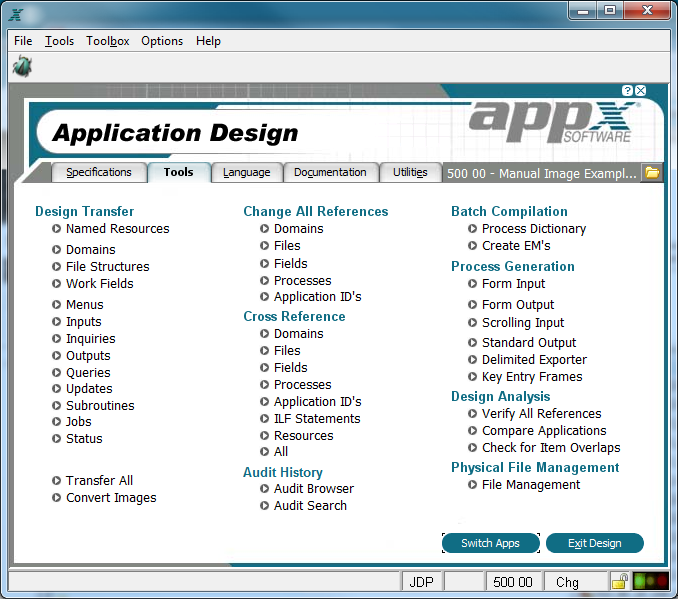
Cross Reference Menu
Notice that although you can choose a complete cross reference by selecting the all option, you can also choose to print a partial cross reference, based on the design component. When selecting a specific design component, you are presented with an input screen like the one shown below on which you make your selections.
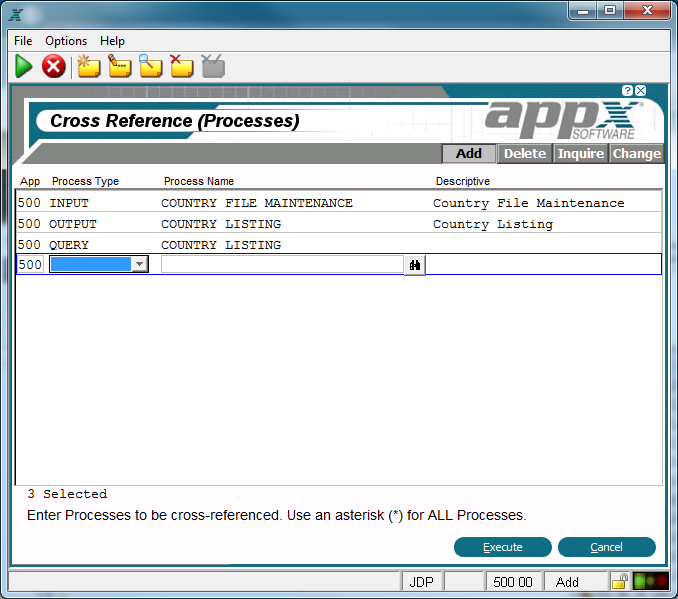
Cross Reference Item Selection Input Process
When you have finished selecting the elements you want to cross reference, select end  from the title bar. The Cross Reference Options screen appears as described in the next section.