
Chapter 4-4: The ILF Editor
Change Mode
When you select this option, you are in full-screen editing mode. Up to an entire screen of statements displays, available for editing. In change mode, you can make modifications to any component of a statement except the keyword, which is protected from update. When you select change mode, the screen in Figure 4-4-9 displays.
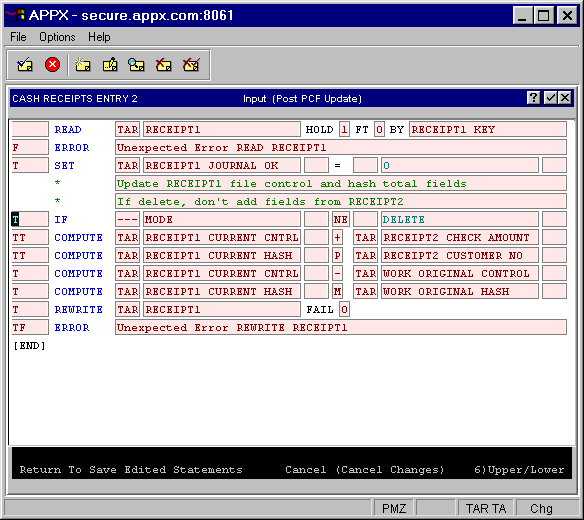
The following describes the options presented in a change screen:
- return to save edited statements Press ENTER to save an entire screen of edited statements as modified.
 cancel (cancel changes) cancels the modifications. Selecting this option from the tool bar returns you to display mode. Any changes that you just keyed on the screen are lost.
- Upper/Lower toggles between uppercase-only and upper-and-lowercase mode. APPX usually defaults to uppercase-only mode. Refer to the previous description under add mode for a complete set of rules for using the upper/lower option.