Chapter 3-8: Update Processes
Update Process Rules Option
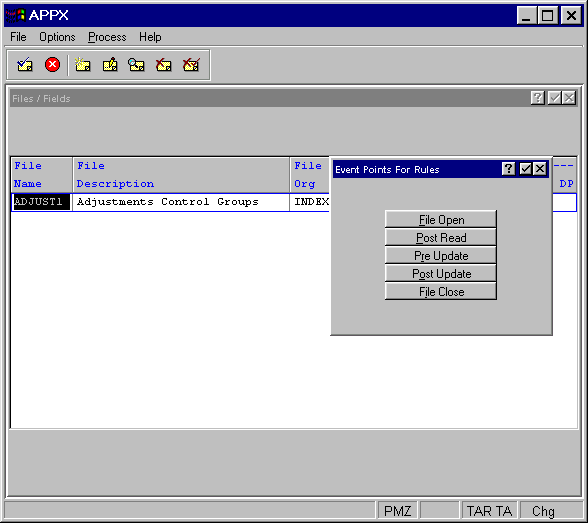
Selecting the rules option accesses the update process Event Points For Rules overlay which allows you to select from a variety of options that access the ILF Editor for APPX event points. The update Event Points overlay is shown in Figure 3-8-3 below.

The update Event Points overlay contains the following options:
Start of Process
start of process, which is common to all types of processes, accesses the ILF editor for the Start of Process event point. Upon completion, you are returned to the process Event Points overlay.
End of Process
end of process, which is common to all types of processes, accesses the ILF editor for the End of Process event point. Upon completion, you are returned to the process Event Points overlay.
PCF Level EPs
pcf level eps provides access to the File Level Event Points for the PCF file. This overlay is shown in Figure 3-8-3. These Event Points are not directly associated with the process but with the PCF file. See the Rules Option section of Chapter 2-4, Files and Fields for more information on using PCF Level Event Points.
Refer to Chapter 3-16: Using Event Points for more information.