Chapter 3-4: Menu Processes
The Image Editor
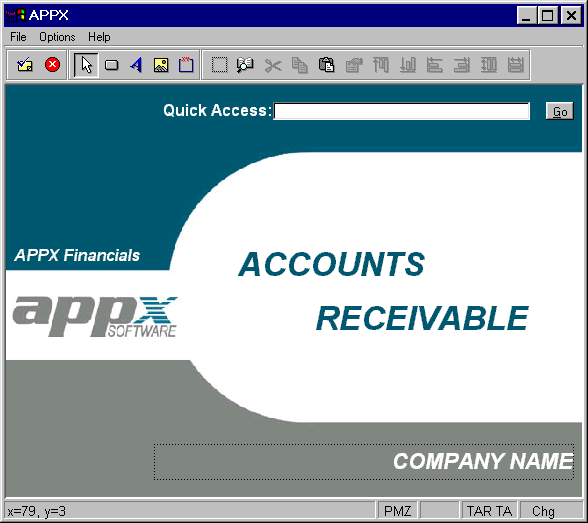
The image editor, APPX's screen painting facility, is the facility used to format menus and other screens. See Figure 3-4-7. With image editor options, you design both the visual presentation of each item on a menu, and the background characteristics of the image itself. You can also design menus that have these GUI characteristics:
- Buttons
- Boxes and lines
- Text Labels
- Pictures
- Pull down menu
- Toolbar buttons
- Popup menu
As you design the menu screen, you are seeing the image exactly as it will appear to your users. You automatically access the image editor when you select ENTER  after completing the specifications on the Menu Processes screen. Refer to Chapter 3-14 or 3-15 on using the Image Editor for additional information.